BY
Home Property Record SystemInteractive Guide & Home Record · Version 2.0 · BY Publishing Studio
Ready

Home Property Record System™

Peace of mind for everything your home holds.

"If a storm damages your home tomorrow, could you prove exactly what it looked like yesterday?"

People don't buy documentation — they buy confidence. This system helps you preserve proof, find answers fast, and keep a clear history as your property changes.

Before & after proofKnow exactly what your home looked like before a storm or major event
Warranties in secondsFind model numbers, receipts, and policy details when you need them
Repairs for yearsTrack maintenance, improvements, and contractor work over time
One living historyPreserve your home's story in one organized, evolving record

What this system helps you do

Before you learn how to set it up, here is why homeowners use it — the outcomes that matter when life gets complicated.

Why it matters
Insurance documentation
Warranty tracking
Contractor communication
Maintenance planning
Home resale preparation
Family record keeping
Estate planning support
Disaster recovery
A living record — not a one-time form

Your home changes. Repairs happen. Storms happen. New appliances arrive. This record is designed to evolve with your property — updated after events, not filled out once and forgotten.

Chapter 02

Your Home Record application

Your competitive advantage

This product is not only a guide — it includes a built-in Home Record application. Switch to the Home record tab in the top bar to manage your property data without leaving this file.

Designed to stay current

Add a photo after a repair. Log a storm event. Register a new appliance. Your dashboard, counts, and timeline update as your record grows — like software you keep using, not paperwork you file away.

What's inside the application

Dashboard

Completion score, open conditions, tasks, and next review at a glance.

Asset Register

Equipment, appliances, serial numbers, warranties, and linked photos.

Maintenance Log

Service history, invoices, providers, and scheduled follow-ups.

Condition Log

Monitor stains, cracks, and changes before they become major issues.

Search & filter

Filter any module table instantly — find assets, dates, or status values fast.

Timeline

See how purchases, storms, and projects connect across your record.

Document Register

Index policies, warranties, deeds, and where each file lives.

Print & reports

Print clean tables and emergency sheets for offline reference or sharing.

Live dashboard preview

Switch to the Home Record tab and this is what you see — a living command center, not a static spreadsheet.


Try it now

HOME RECORD

The Morgan Family · 1847 Harbor Pine Drive
87% Complete
Next review · July 30, 2027
1Open conditions
8Assets
43Documents
218Photos

Today's tasks

✓ Photograph garage utility wall
✓ Upload insurance policy renewal
○ Verify main water shutoff location
○ Update bathroom ceiling condition photo
Start hereLoad the Morgan Family sample from the Home Record tab to explore a complete example, then replace it with your own property over time.
Chapter 03

Quick-start setup

What you'll build

A master property folder, completed profile, initial photo baseline, filed supporting records, and a scheduled first annual review — all connected in your interactive Home Record.

Why it matters

Most homeowners have scattered photos and lost receipts. One focused session creates a foundation that may save time when communicating with contractors, insurers, or future buyers — then you keep building as life happens.

1

Create the master property folder

Use the folder structure in Chapter 07 on your computer, external drive, or trusted cloud account.

2

Complete the property profile

Record address, construction details, utilities, insurance contacts, and major identifiers in Home Record.

3

Capture the initial photo baseline

Exterior first, then interior rooms, major equipment, valuables, and known conditions — see Chapter 05 for exact shots.

4

Gather and file supporting records

Policies, warranties, receipts, permits, contractor documents, manuals, and prior reports.

5

Schedule the next review

Review yearly and whenever a major repair, purchase, renovation, move, or damaging event occurs.

Setup checklist

Chapter 04

Property profile

What you'll build

The front page of your home record — address, construction, utilities, emergency controls, and ownership contacts in one searchable profile.

Why it matters

When a pipe bursts at midnight or an adjuster calls, you need the water shutoff location and insurance carrier in seconds — not buried in email.

Property identity

Address, parcel number, property type, year built, square footage, construction type, roof type, bedrooms, bathrooms, purchase date.

Ownership & administration

Owner names, mortgage company, HOA contact, insurance carrier, and trusted emergency contact.

Utilities

Electric, water, sewer/septic, gas, internet, waste collection, and irrigation providers.

Emergency controls

Main water shutoff, electrical disconnect, gas shutoff, alarm information, preferred service providers.

Privacy ruleDo not place full account numbers, passwords, alarm codes, SSN, or banking information in copies that may be shared.
Chapter 05

Photo documentation

What you'll build

A indexed library of overview, context, and detail photographs — every image tagged, named, and linked to assets and conditions in Home Record.

Why it matters

"Take a picture" is not enough. Adjusters, contractors, and future-you need to know exactly what was photographed and where.

Exterior elevation — annotated reference

Stand far enough back to capture the complete elevation. Use this reference to ensure nothing is missed.

Single-family home exterior elevation for documentation reference Roof Soffit Fascia Downspout Foundation Window Utility area
Exterior elevation · FrontCapture all labeled elements in one wide shot, then add context and detail views for any area of concern.

Reference illustration. These examples show the type of views to capture. Label elements that are clearly visible in your own photographs.

Kitchen documentation reference Cabinets Appliances Data plate
Kitchen · Wide + detail3–5 views minimum. Always capture appliance data plates.
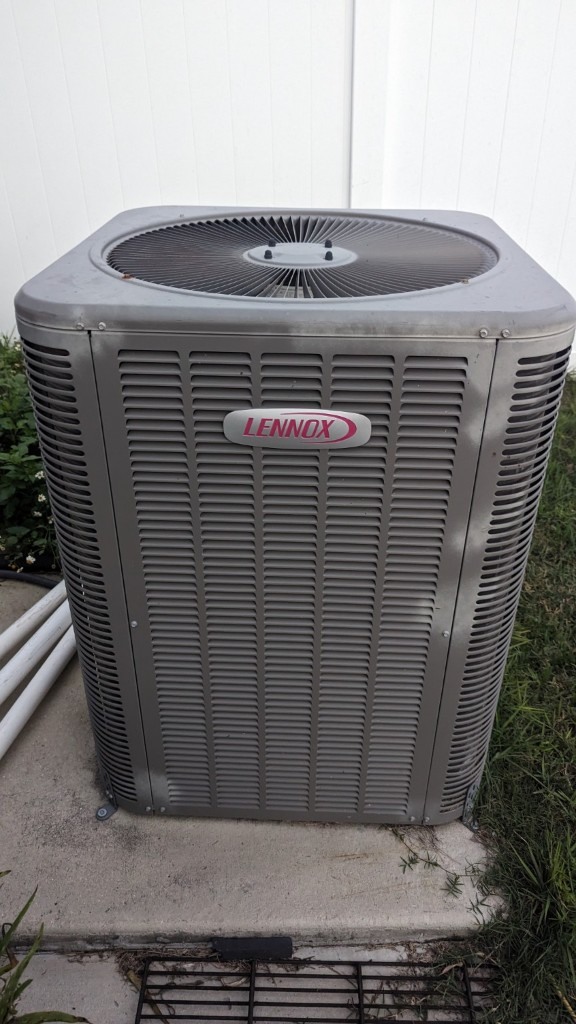
HVAC outdoor unit documentation Condenser unit Manufacturer plate Nearby equipment
HVAC · Equipment zoneOverview, context, and legible manufacturer plate — link to AST ID in Asset Register.
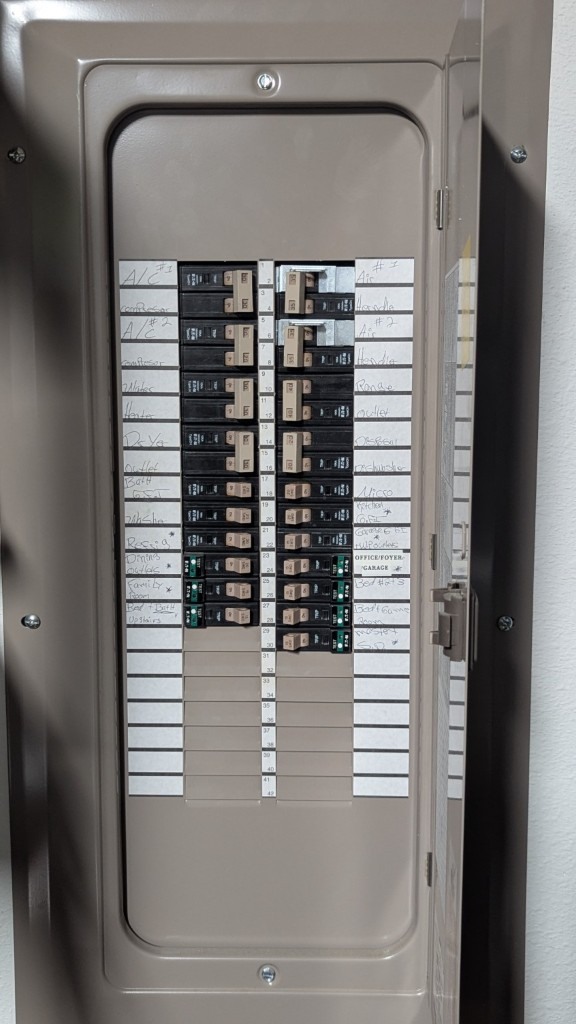
Electrical panel documentation Panel interior Visible labels
Electrical · Service panelPanel door open. Capture label and main breaker without obscuring information.
Roof and gutter documentation from ground level Roof field Ridge line Gutter & downspout
Roof · Ground-level onlyNever climb solely for documentation. Capture safely from ladder or ground.

Three photo types

Wide overview

Complete room, elevation, yard, or system location.

Context view

Subject in relation to doors, walls, equipment, or property features.

Detail view

Labels, serial numbers, damage, workmanship, materials.

Image integrityAvoid filters or edits that alter apparent condition. Preserve original files whenever possible.
Chapter 06

Assets & equipment

What you'll build

An asset register connecting every major system to photos, warranties, receipts, and service history — each with a unique AST ID.

Why it matters

When your water heater fails, you need the model, install date, and warranty status in one place — not three browser tabs and a shoebox.

RecordWhat to captureSupporting files
HVAC systemsManufacturer, model, serial, location, install datePhotos, warranty, invoice, service records
Water heaterType, capacity, model, serial, install datePhotos, warranty, permit, receipt
Major appliancesBrand, model, serial, purchase date, costPhotos, receipts, manuals, warranties
Roofing systemMaterial, installer, completion date, warranty termContract, permit, invoice, photos
Pool / generator / solarComponents, model numbers, installersManuals, service plans, warranties, permits
Practical ruleFor every important asset: what it is, where it is, when installed, who installed it, and where documents are stored.
Chapter 07

Record organization

What you'll build

One master folder with consistent categories — no more mixing photos, receipts, and random household files.

Why it matters

Structure is the difference between a record you actually update and a folder you abandon after week one.

HOME_PROPERTY_RECORD ├── 00_START_HERE ├── 01_PROPERTY_PROFILE ├── 02_OWNERSHIP_AND_LEGAL ├── 03_INSURANCE ├── 04_PROPERTY_PHOTOS │ ├── EXTERIOR │ ├── INTERIOR │ ├── ASSETS_AND_EQUIPMENT │ ├── EXISTING_CONDITIONS │ └── IMPROVEMENTS ├── 05_ASSETS_AND_EQUIPMENT ├── 06_MAINTENANCE_AND_SERVICE ├── 07_REPAIRS ├── 08_IMPROVEMENTS_AND_RENOVATIONS ├── 09_WARRANTIES_AND_MANUALS ├── 10_RECEIPTS_AND_INVOICES ├── 11_STORM_AND_EVENT_RECORDS ├── 12_ANNUAL_REVIEWS └── 13_ARCHIVE

Recommended file naming

YYYY-MM-DD_AREA_DESCRIPTION_SEQUENCE

Examples: 2026-07-30_EXTERIOR_FRONT-ELEVATION_001.jpg · 2026-07-30_HVAC_OUTDOOR-UNIT-DATA-PLATE_001.jpg

Chapter 08

Maintenance & improvements

What you'll build

A living history — every service call, repair, and renovation logged with dates, costs, providers, and linked photos.

Why it matters

A well-organized maintenance history may help owners communicate property care and improvements to prospective buyers or service providers.

Maintenance record

Service date, asset, work performed, provider, cost, invoice, next service, supporting photos.

Improvement record

Scope, contractor, permit, products, before/progress/after photos, cost, completion, warranty.

Update the record when:

Chapter 09

Existing conditions

What you'll build

A condition log preserving owner observations with dates, locations, photos, and change history — without guessing causes.

Why it matters

Documenting "brown discoloration on ceiling near window" today protects you from disputes about when damage started.

FieldRecommended entry
Date observedWhen the condition was first noticed or documented
LocationRoom, wall, exterior side, asset, or site area
DescriptionPlain, factual description without guessing the cause
Photo referenceRelated overview, context, and detail image IDs
Change historyUnchanged, improved, or worsened over time
Follow-upContractor contacted, temporary action, repair date, documents
Use factual languageWrite "brown discoloration on ceiling near window" rather than "roof leak," unless a qualified professional identified the cause.
Chapter 10

Storm & emergency

What you'll build

Pre-event baselines and post-event documentation workflows — wide to detail, dated, indexed, and linked to claims.

Why it matters

The Morgan Family's fictional pre-event records helped them clearly organize and communicate what changed after the storm. See Chapter 12.

Before the event

Update exterior photos, secure loose items, document outdoor equipment, back up the record.

After the event

Prioritize safety. Capture wide-to-detail images. Note dates and locations. Preserve damaged items when appropriate.

During recovery

Track communications, temporary repairs, contractor visits, estimates, receipts, updated photographs.

Safety comes firstDo not enter unsafe structures, approach downed power lines, climb damaged roofs, or delay emergency action to take photographs.
Chapter 11

Annual review

What you'll build

A recurring review cycle that keeps the record current and prevents information from scattering again.

Why it matters

A record that isn't reviewed becomes a record that isn't trusted. Schedule it like a dental appointment.

Chapter 12

The Morgan Family

The Morgan Family

Jordan & Taylor Morgan · 1847 Harbor Pine Drive · Single-family · Built 2018 · 2,246 sq. ft.

Fictional case study

Follow one family's fictional record from first purchase through storm recovery. Every Home Record section connects to this story — not generic "Sample HVAC" rows.

Jun 2020
Purchased homeInitial photo baseline & profile created
May 2021
HVAC installedCarrier heat pump · AST-001 registered
Aug 2025
Storm eventPre/post photos documented in Storm Log
Mar 2026
Roof replacementRoof project documented · IMP-003
Jul 2026
Record at 87%Annual review scheduled Jul 30, 2027

Connected record · Carrier Heat Pump AST-001

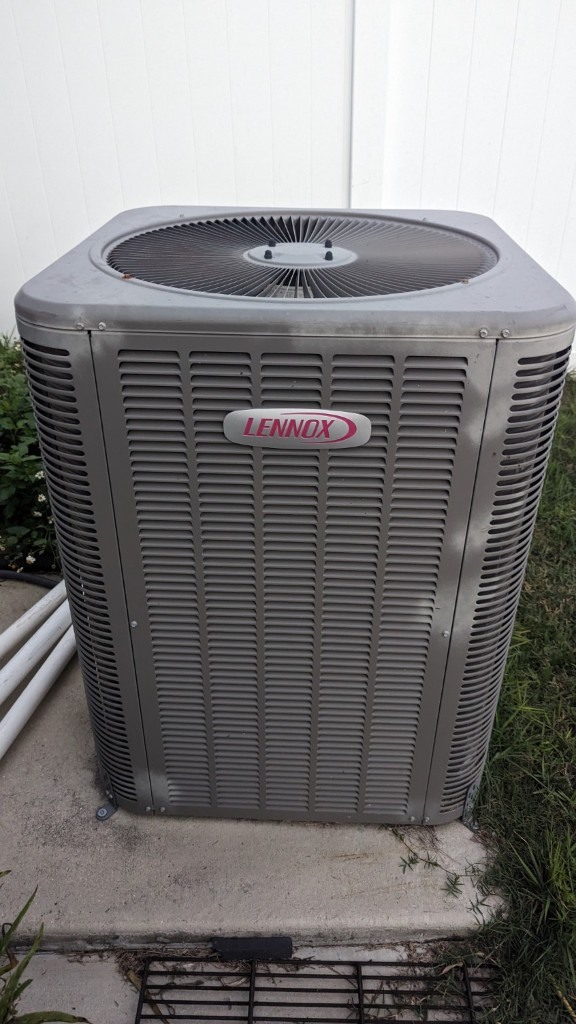
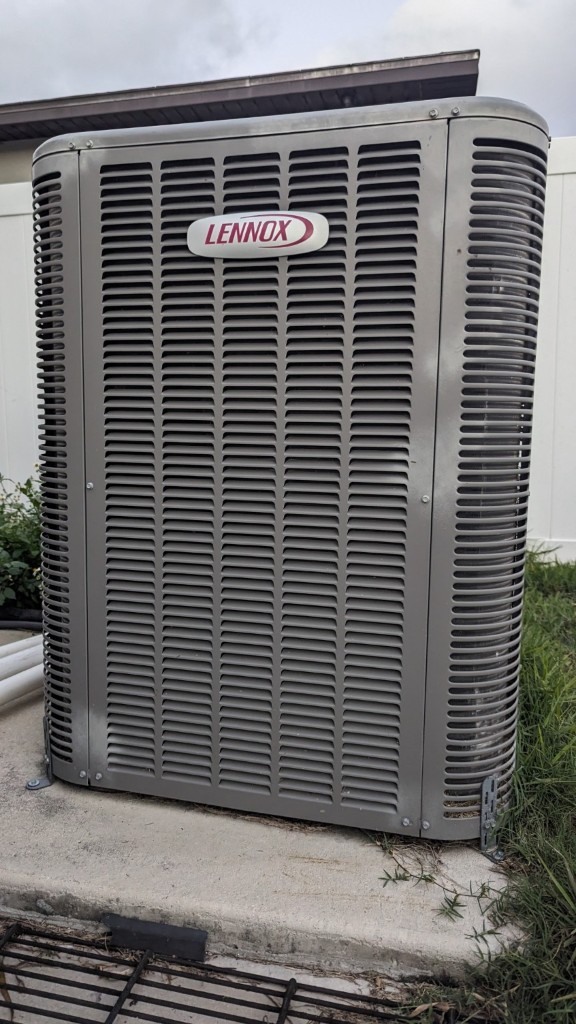
Morgan Family HVAC wide overview photo
PH-003 · Wide overviewShows condenser location relative to house and disconnect.
Morgan Family HVAC manufacturer plate detail
PH-004 · Detail viewCarrier 25HCB6 · Serial SAMPLE-22117 · Linked to warranty DOC-004.
87%

Morgan record completion

Profile
100
Photos
87
Assets
100
Maintenance
78
Next best actionUpdate bathroom ceiling condition after contractor visit. Verify cloud backup copy #2.

Why stories work

People remember "The Morgans had a storm in 2025 and their pre-event records helped them explain what changed" far better than "Sample HVAC row 4." Replace every sample row in Home Record with your own version of this story.

Your data & privacy

Please read before entering property information in the Home Record application.

Important
Local storage only — not encryptedInformation you enter in the Home Record tab is saved in this browser's local storage. It is not encrypted by this product and is not transmitted to BY Publishing Studio or any cloud service.

What this means

Your record exists only in the current browser profile on this device. Another browser, device, or user profile will not show the same record unless you import a backup.

Protect your record

Export JSON backups regularly and store them securely. Avoid entering alarm codes, passwords, full account numbers, or banking details. Do not use shared or public computers for sensitive records.

Data loss risks

Clearing browser data, uninstalling the browser, or resetting the device may permanently remove your record unless you have an exported backup.

Not a secure cloud portal

This is a single-device browser application for personal record organization — not a hosted, encrypted, multi-user property management platform.

Important limitations

This product supports homeowner documentation and record organization. It does not replace licensed or qualified professional services.

Use statement

This system can help

Organize records, establish visual baselines, track assets, preserve maintenance history, prepare questions, and communicate more clearly.

This system does not provide

A home inspection, engineering opinion, appraisal, code determination, insurance coverage decision, damage certification, or guarantee of claim approval.

When to seek professional helpContact the appropriate licensed professional when you suspect structural movement, electrical hazards, gas leaks, mold, active water intrusion, roof failure, fire damage, or other potentially dangerous conditions.

Your completed home record

A complete first version does not have to be perfect. It should be organized, understandable, backed up, and ready to improve over time.

Completion standard

Identifiable

Property, dates, folders, photographs, and assets can be clearly recognized.

Traceable

Records connect to the correct asset, project, condition, or event.

Maintainable

You can add new information without rebuilding the entire system.

Published by BY Publishing Studio · Professional property documentation services through EYE AM STUDIOS · Educational and organizational use only · Version 2.0